
3CX is a popular software PBX with many rich and useful unified communications capabilities. It does NOT however natively support analog phones or PSTN connectivity. So how can you keep your organization connected to the PSTN—whether for fallback/survivability or breakout phone service?

And how can you integrate your legacy telephone handsets with 3CX?
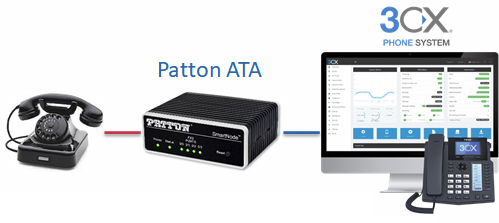
SmartNode to the rescue! For your analog phones, you need a SmartNode ATA (or FXS VoIP Gateway) that provides FXS ports for connecting the legacy phones to the IP network while converting the analog voice to a SIP media stream, i.e. VoIP.
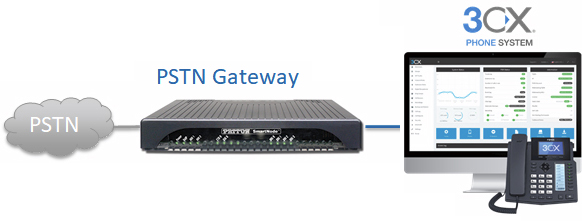
For PSTN access, you need a VoIP gateway that provides T1/E1/PRI ports to integrate the 3CX phone system with a PSTN network access link (WAN connection).
Patton has just released a pair of video tutorials to guide you through the setup of the two solutions shown above:
- 3CX phone system integrated with analog phones using a SmartNode SN200 FXS VoIP ATA
- 3CX phone system integrated with PSTN access using a SmartNode SN4170 T1/E1 VoIP Gateway
Here are the videos!
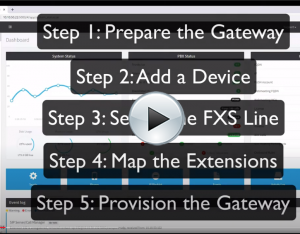
Patton FXS Gateways and 3CX
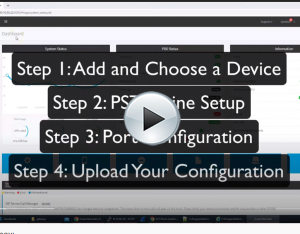
Patton T1 & E1 Gateways and 3CX!
What did you think?
- Did the tutorial provide what you needed to set up your solution?
- Which scenario did you configure?
Please share your thought in the comments below.